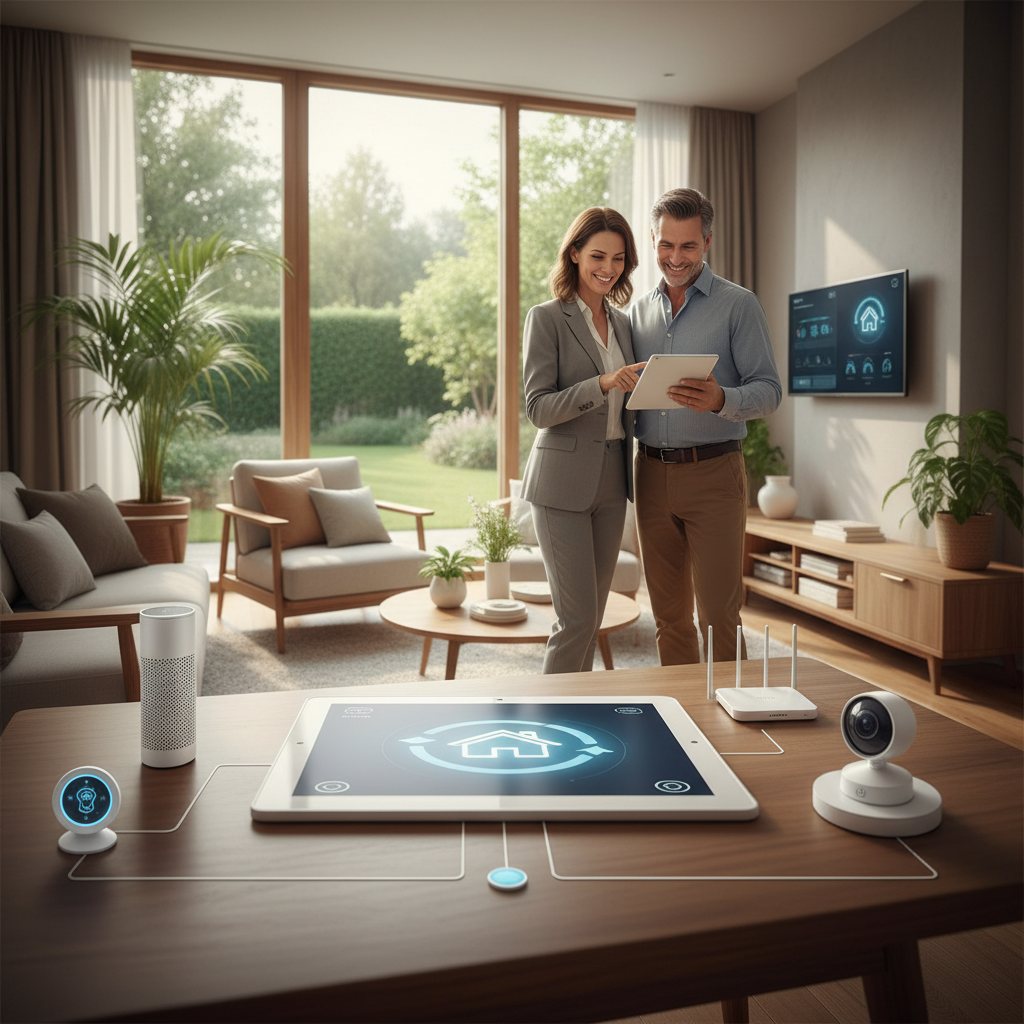
Imagine a home that anticipates your needs before you even realize them. As you pull into the driveway, the exterior lights gently illuminate your path, the front door unlocks securely, and your favorite playlist begins to filter through the living room speakers. This is no longer the stuff of science fiction; it is the reality of the modern smart home. Home automation has evolved from a high-priced luxury into an accessible, practical way to enhance security, reduce energy bills, and simplify daily chores. Whether you are a tech enthusiast eager to build a DIY ecosystem or a busy homeowner looking for a professionally installed solution, this comprehensive home automation guide provides the actionable insights you need to upgrade your living space. From choosing the right communication protocols to understanding when to call in the experts at FIND-A-PRO, we will cover every detail required to bring your home into the future.
The Foundation: Choosing Your Smart Home Ecosystem
Before buying a single smart bulb or camera, you must decide on the 'brain' of your operation: the ecosystem. An ecosystem is the platform that allows your devices to communicate with one another. The most popular choices include Amazon Alexa, Google Home, Apple HomeKit, and Samsung SmartThings. Choosing one early prevents the frustration of buying a device that won't talk to the rest of your home. For those seeking maximum compatibility, look for devices that support Matter, the new industry standard that ensures cross-platform functionality. Underpinning these ecosystems are communication protocols like Wi-Fi, Zigbee, and Z-Wave. While Wi-Fi is common, it can clog your router if you have dozens of devices. Zigbee and Z-Wave create 'mesh networks' where each device passes signals to the next, increasing reliability without slowing down your internet. If you are planning a large-scale installation, professional integrators often prefer these dedicated protocols for their stability and range.
Smart Lighting: Efficiency and Ambiance at Your Fingertips
Lighting is the most popular entry point into home automation because it offers immediate results. There are two primary ways to approach smart lighting: smart bulbs or smart switches. Smart bulbs (like Philips Hue) are perfect for renters or for creating color-changing 'scenes.' However, if someone flips the physical wall switch off, the bulb loses power and becomes 'dumb.' This is why many professionals recommend smart switches. By replacing the switch itself, you maintain manual control while gaining automation features like scheduling and remote access. Consider installing motion sensors in hallways and bathrooms to ensure lights only turn on when needed, a key tip from our essential home maintenance guide for reducing phantom energy use. For advanced users, 'circadian lighting' can be programmed to mimic natural sunlight, transitioning from cool white light in the morning to warm, amber tones in the evening, which helps regulate your sleep-wake cycle.
Climate Control and Energy Savings
Heating and cooling account for nearly half of the average home's energy consumption. A smart thermostat is perhaps the only automation device that truly pays for itself. Devices from brands like Nest or Ecobee use geofencing to detect when you leave the house, automatically adjusting the temperature to save energy. According to the Energy Star smart thermostat guide, homeowners can save up to 8% on annual heating and cooling costs by using a certified smart thermostat. Beyond just thermostats, consider smart blinds that close during the hottest part of the day to block solar heat gain, or smart vents that redirect airflow to the rooms you actually use. For homeowners in older houses, upgrading HVAC controls often requires a 'C-wire' or common wire to provide constant power. If your current system lacks this, it is a perfect time to use FIND-A-PRO to connect with a licensed electrician who can safely upgrade your wiring infrastructure.
Security and Peace of Mind: Beyond the Video Doorbell
Modern home security is about more than just a loud alarm; it is about proactive monitoring. A comprehensive setup includes video doorbells, smart locks, and floodlight cameras. Smart locks are particularly transformative, allowing you to grant temporary digital keys to dog walkers or contractors without ever hiding a physical key under the mat. When selecting security cameras, decide between cloud storage (convenient but usually requires a monthly subscription) and local storage (private and subscription-free, but requires a local hard drive or microSD card). Don't forget the 'unsexy' side of security: environmental sensors. Smart smoke and carbon monoxide detectors can send alerts to your phone even when you are away, and smart leak detectors placed near water heaters or washing machines can shut off your main water valve the moment a drip is detected, preventing thousands of dollars in water damage. This level of protection is a cornerstone of modern property management and safety.
Network Infrastructure: The Backbone of Automation
A smart home is only as good as the network it runs on. Many homeowners experience 'smart home fatigue' when devices frequently go offline or respond slowly. This is usually not a fault of the device, but a sign of an overloaded Wi-Fi network. To support a robust automation system, we recommend a Mesh Wi-Fi system (like Eero or Orbi). Unlike a single router, mesh systems use multiple nodes to blanket your entire property in high-speed connectivity. For high-bandwidth devices like 4K security cameras, use a wired Ethernet connection whenever possible to free up wireless airwaves for smaller sensors. Additionally, ensure your router supports Wi-Fi 6 (802.11ax), which is specifically designed to handle a higher density of connected devices efficiently. If you find your network lagging after adding smart gear, it might be time for a professional network audit to optimize your channel settings and node placement.
Creating Advanced Routines: Making Your Home Work for You
The true power of home automation lies in 'routines'—sequences of events triggered by a single command or condition. Instead of just turning on a light, a 'Good Night' routine could simultaneously lock all doors, lower the thermostat to 68 degrees, turn off all interior lights, and arm the security system. You can also use 'if-this-then-that' (IFTTT) logic for more complex scenarios. For example: 'IF the leak detector in the basement senses water, THEN turn the smart bulbs in the master bedroom red and send a push notification to my phone.' Professional integrators can help you design even more sophisticated automations, such as integrating your home theater system with your lighting so that the lights dim automatically when you press 'Play.' These seamless experiences are what turn a collection of gadgets into a cohesive, intelligent home.
DIY vs. Professional Installation: Knowing Your Limits
While many smart devices are designed for easy DIY setup, certain upgrades carry risks. Anything involving high-voltage electricity (like smart switches in older homes without neutral wires) or complex plumbing (like automatic water shut-off valves) should be handled by a pro. Furthermore, if you want a fully integrated system where your audio, video, lighting, and security all work through a single interface like Control4 or Crestron, professional installation is mandatory. These high-end systems require specialized programming knowledge. When you're ready to make the leap from a few bulbs to a fully automated residence, check out our guide on hiring a service professional to ensure you're getting the best value. Using FIND-A-PRO allows you to browse verified local experts who specialize in smart home integration, ensuring your system is installed safely and configured for peak performance.
Frequently Asked Questions About Home Automation
Q: Is home automation secure?
A: While any internet-connected device has risks, you can stay safe by using strong, unique passwords, enabling two-factor authentication (2FA), and keeping your device firmware updated. Choosing reputable brands that prioritize security is also vital.
Q: How much does it cost to start a smart home?
A: You can start for as little as $20 with a single smart plug. A basic whole-home setup (lighting, thermostat, and security) usually ranges from $500 to $2,000 for DIY, while luxury professional integrations can exceed $10,000 depending on the complexity.
Q: Do smart home devices work when the internet is down?
A: This depends on the device. Many Wi-Fi-based devices lose functionality, but systems using local hubs (like Hubitat or certain Z-Wave setups) can still run pre-programmed routines and manual controls without an active internet connection.
Key Takeaways
Embarking on a home automation journey is an investment in your comfort, security, and the long-term value of your property. By starting with a solid foundation, choosing compatible devices, and focusing on practical solutions like lighting and climate control, you can create a home that truly serves you. While the DIY route is rewarding, don't hesitate to seek professional help for complex wiring or system-wide integration. When you're ready to take that next step, FIND-A-PRO is here to connect you with verified, local professionals who can turn your smart home dreams into a reliable reality. Start small, plan for the future, and enjoy the convenience of a home that works as hard as you do.