If you are a trade professional, you know that the actual work—the plumbing, the wiring, the roofing—is only half the battle. The other half is the 'office stuff': chasing down invoices, playing phone tag with customers, and trying to remember if you actually ordered those parts for next Tuesday. Many skilled pros find themselves hitting a ceiling not because they lack talent, but because they are drowning in administrative tasks. This is where trade business automation comes in. It is no longer a luxury reserved for giant corporations; it is an essential survival tool for any service business looking to scale without burning out. In this guide, we will dive deep into how you can automate your operations to win back your evenings and grow your bottom line.
What is Trade Business Automation and Why Does It Matter?
Trade business automation refers to the use of software and digital tools to handle repetitive, manual tasks without human intervention. Think of it as hiring a 24/7 administrative assistant who never sleeps, never forgets a follow-up, and never makes a calculation error. For a local service professional, this means moving away from paper diaries, sticky notes, and messy spreadsheets toward a centralized system that 'talks' to your customers and your bank account.
Why should you care? Because manual processes are the silent killer of growth. Every hour you spend manually typing an invoice is an hour you aren't on a billable job or finding new leads. Automation creates a scalable foundation. When your systems are automated, doubling your client base doesn't mean doubling your paperwork; it just means clicking a few more buttons. For those just starting out, understanding the landscape of professionalism is key, which is why we often point people to our guide on hiring service professionals to see what customers are actually looking for: responsiveness and organization.
The Core Pillars: Scheduling and Dispatching
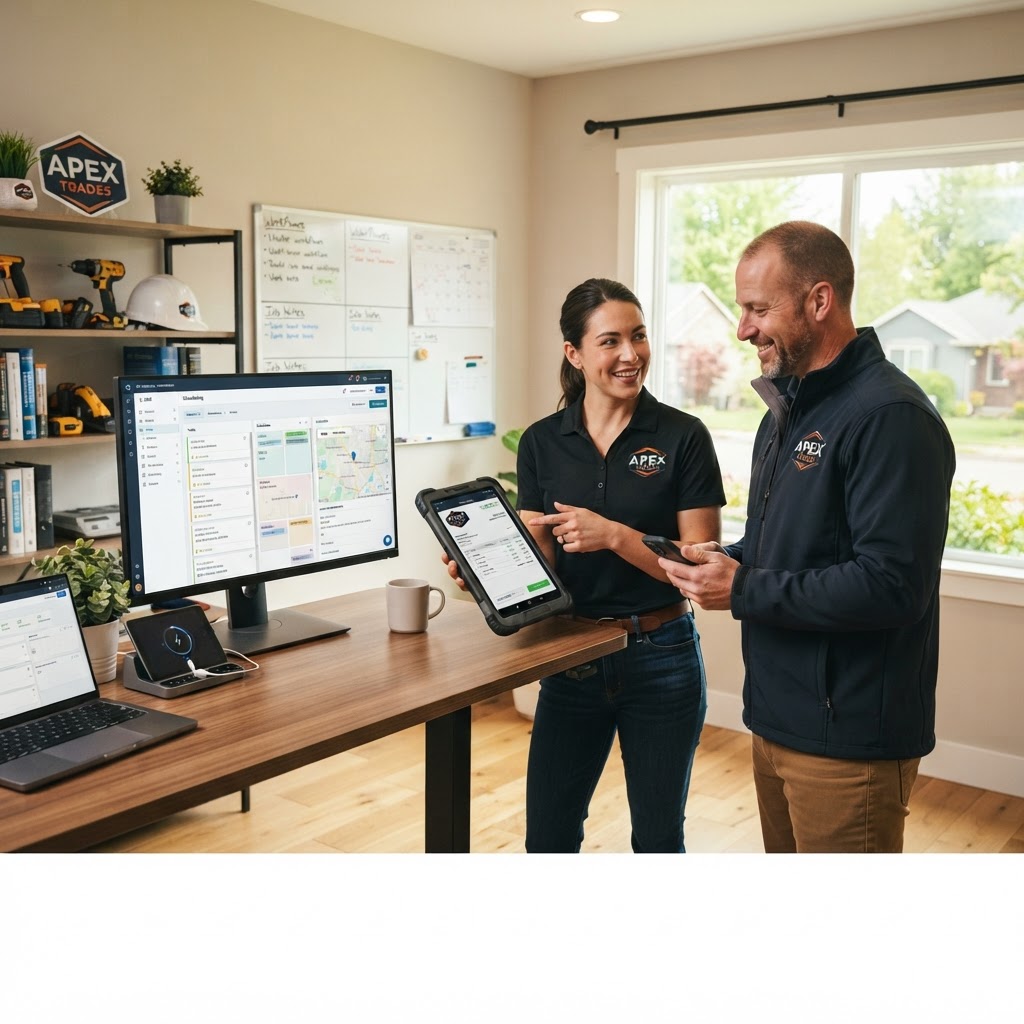
The heart of any trade business is the schedule. Traditional methods—phone calls and paper calendars—are prone to double-booking and travel inefficiencies. Automated scheduling software allows customers to book appointments directly through your website or social media profiles based on your real-time availability.
- Real-time Dispatching: Use GPS-integrated tools to see where your trucks are and assign the closest technician to an emergency call.
- Automated Reminders: Send 'On My Way' texts and appointment reminders automatically. This reduces 'no-shows' by up to 40%.
- Route Optimization: Software can calculate the fastest route between jobs, saving you hundreds of dollars in fuel costs and vehicle wear-and-tear every month.
By automating the 'where and when,' you ensure that your team is always productive. FIND-A-PRO helps connect these organized professionals with homeowners who value punctuality and clear communication.
Automating the Customer Experience: From Lead to Review
Your relationship with a customer starts long before you arrive at their door and ends long after you leave. Automation ensures no customer falls through the cracks. When a lead comes in through your website, an automated CRM (Customer Relationship Management) system can send an immediate 'Thank You' email with a link to book a consultation.
Once the job is complete, the system can automatically trigger a review request. Online reviews are the lifeblood of modern trade businesses. Instead of remembering to ask for a Google review, your software sends a text 30 minutes after the job is marked 'complete' in the field. This consistent feedback loop builds your reputation on platforms like FIND-A-PRO, where verified local professionals are rewarded for their track record of excellence.
For long-term growth, consider setting up automated 'Maintenance Reminders.' For example, if you are an HVAC pro, you can use our essential home maintenance guide as a template to set up automated emails reminding clients to change their filters every six months. This keeps your business top-of-mind and secures recurring revenue.
Financial Automation: Getting Paid Faster
Cash flow is the most common reason trade businesses fail. If you are waiting until the weekend to sit down and send out invoices, you are essentially giving your customers interest-free loans while your own bills pile up. Automated invoicing allows you to generate and send a professional invoice directly from your phone before you even leave the job site.
Integrating your field software with accounting tools like QuickBooks or Xero ensures that your books stay balanced without manual data entry. You can also automate payment reminders for overdue invoices, removing the awkwardness of having to call a client to ask for money. According to the FTC business guidance, maintaining clear, digital records of transactions is also a best practice for protecting your business and your customers in the event of a dispute.
- Instant Estimates: Create templates for common jobs so you can send a professional quote in seconds.
- Mobile Payments: Accept credit cards or digital transfers on the spot to eliminate 'the check is in the mail' syndrome.
- Expense Tracking: Use apps to scan receipts immediately, so tax season isn't a nightmare of searching through your glove box.
Safety, Compliance, and Inventory Management
As you grow, keeping track of equipment and safety protocols becomes harder. Automation can help here too. Digital safety checklists can be required for technicians to complete on their tablets before a job is started. This not only ensures high standards but creates a digital paper trail that can lower insurance premiums. For specific safety regulations, always consult OSHA guidelines to ensure your automated checklists meet federal standards.
Inventory automation is another game-changer. When a technician uses a specific part on a job and logs it in the app, the system can automatically deduct it from your inventory and even place a reorder with your supplier once stock hits a certain threshold. This prevents the dreaded situation where a pro arrives at a job only to realize they are missing a five-dollar fitting that halts the entire project.
How to Start: A Practical Implementation Strategy
Don't try to automate everything overnight. It will overwhelm your team and potentially break your existing processes. Follow this step-by-step approach instead:
- Identify the Bottleneck: Where are you losing the most time? If it's scheduling, start there. If it's chasing payments, start with invoicing.
- Choose the Right Stack: Look for 'All-in-One' field service management software (FSM) like Jobber, Housecall Pro, or ServiceTitan. Ensure they integrate with tools you already use.
- Clean Up Your Data: Before importing your customer list into a new system, delete duplicates and update old contact info.
- Train the Team: Spend a full day showing your crew how the new system benefits them (e.g., less paperwork, clearer instructions, easier hours tracking).
- Test and Refine: Run the automated system alongside your old way for one week to catch any glitches before going fully digital.
Featured Snippet: Trade Automation Q&A
While costs vary, most small to mid-sized trade businesses can expect to pay between $50 and $250 per month for a comprehensive field service management platform. The return on investment is usually realized within the first month through saved administrative hours and reduced fuel costs.
Can I automate my lead generation?Yes. By integrating your website with a CRM and using platforms like FIND-A-PRO, you can automate the process of capturing lead information and funneling it directly into your scheduling software without manual entry.
Is automation too complex for a one-person shop?No. In fact, solo operators benefit the most from automation because it acts as a 'force multiplier,' allowing one person to handle the administrative workload of a three-person office.
Frequently Asked Questions (FAQ)
A: Quite the opposite. Modern customers prefer the convenience of online booking, automated text updates, and digital payments. As long as you maintain a personal touch during the actual service, the 'digital' part of the experience is seen as a sign of professionalism.
Q: What if the internet goes down in the field?A: Most reputable trade automation tools have an 'offline mode.' Your technicians can still log their work, take photos, and collect signatures; the data will simply sync once they are back in cellular or Wi-Fi range.
Q: How does automation improve my business valuation?A: If you ever decide to sell your business, a buyer will pay significantly more for a company with documented, automated systems than for one where all the knowledge and processes are stuck in the owner's head. Automation makes your business a 'turnkey' asset.
Key Takeaways
Transitioning to an automated trade business is not just about technology; it's about freedom. It’s about being able to sit down for dinner without your phone vibrating every two minutes with a scheduling question. By implementing smart scheduling, automated invoicing, and a digital CRM, you transform your trade from a demanding job into a scalable company. As you modernize your operations, platforms like FIND-A-PRO are here to help you showcase your professional, tech-forward business to high-quality local clients. Take the first step today by identifying one manual task you can hand off to a software solution—your future self will thank you.